Welcome to the newly updated district Emby server! The server hosts district-owned movies and other video content that you can stream directly in your classroom without impacting the district's internet bandwidth. This article will walk you through the new login process.
Your Login Credentials
We've simplified the login process to make it easier for you to get started. You no longer need a separate Emby account.
Your username and password are the same credentials you use for your district email and to log in to your desktop computer.
How to Log In
You can access the Emby server in two ways:
- Direct URL: Navigate to http://vikingmedia.tvsd.local:8096 in your web browser.
- Staff Central: Click on the TV-Emby button located on the TV Staff central portal.
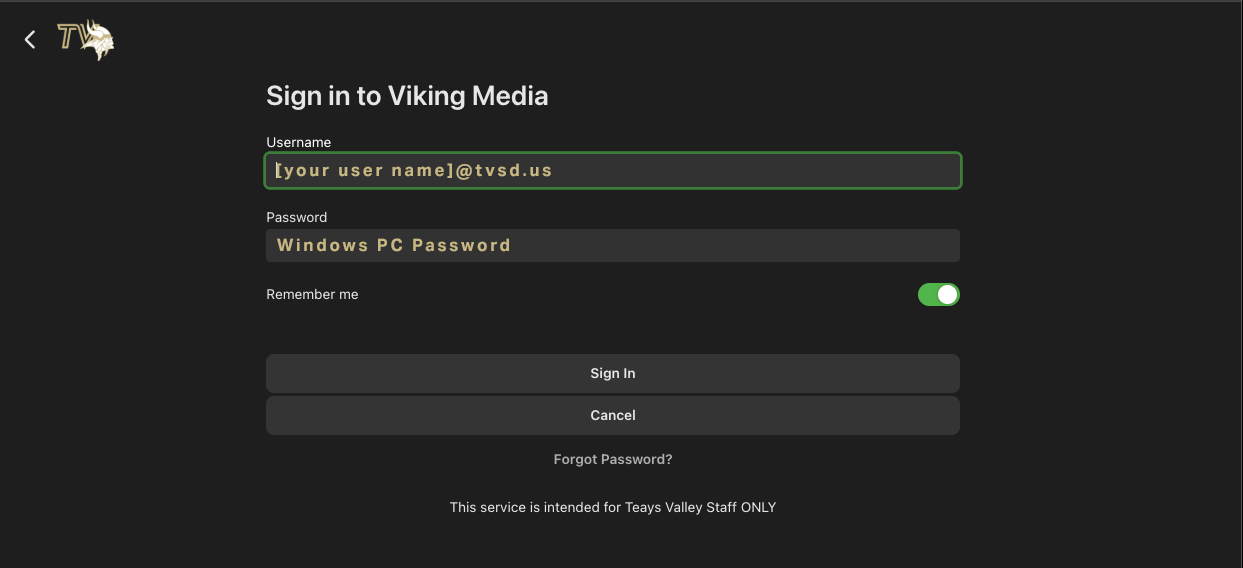
On the login screen, enter your district email address as the username and your email/desktop password.
Once you are signed in, you will have access to all the available content.
Was this article helpful?
That’s Great!
Thank you for your feedback
Sorry! We couldn't be helpful
Thank you for your feedback
Feedback sent
We appreciate your effort and will try to fix the article